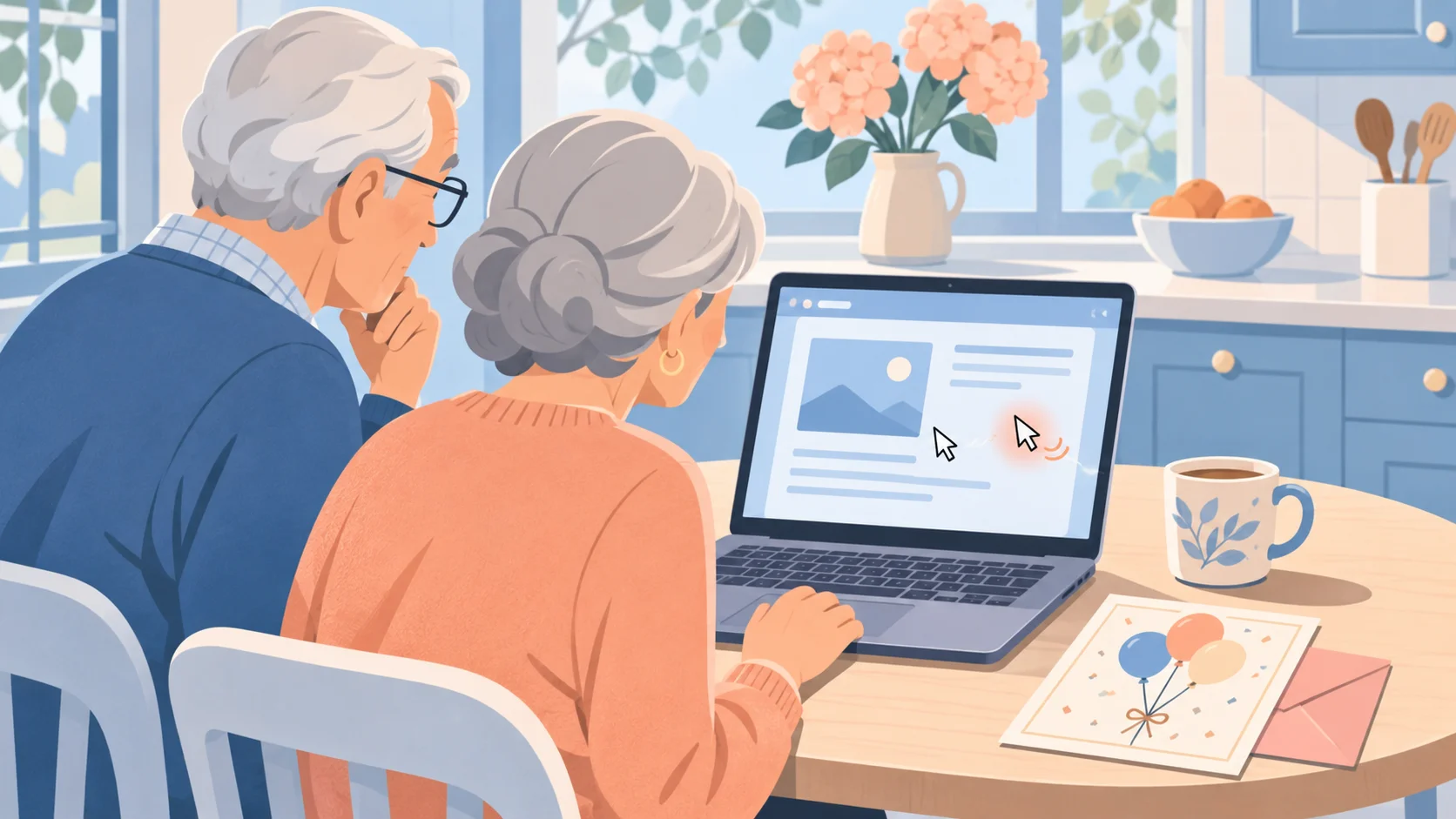
This week we helped a couple whose bank cards kept getting used by strangers. Their bank replaced the card three times, and each new card was hacked within days. They changed their email passwords and paid for antivirus. None of it helped, because criminals had remote control of the laptop they share.
Who is Affected?
Couples and families who share one computer for email and banking.
Small offices, churches and clubs where one person "does the computer stuff".
People who keep getting hacked after they change their passwords.
People who click search ads for "PC cleaners" or "driver updaters" when the computer feels slow.
How It Happened
In early August both of them got an email that looked like an invitation to an event. His copy went to spam and he deleted it. She opened hers on the shared laptop and clicked the link.
The link went to the website of a real small business that criminals had broken into. They used that site to host their download, so the address did not look strange.
A file downloaded and the laptop ran it. It installed a remote control program (software that lets someone use your computer from far away). IT companies use the same program to fix computers, so the antivirus did not stop it.
Three days later a second copy showed up. This one was tampered with, and it connected straight to a computer the criminals control.
From then on the criminals could see the screen and use the mouse and keyboard whenever the laptop was on. They could watch every password the couple typed, and use the browser where they were already signed in.
Their Google contacts started to get strange invites. They changed their email passwords right away, but they typed the new passwords on the same laptop.
In mid August a local computer shop scanned both laptops and found nothing. The remote control program is normal software, so a virus scan does not flag it.
Over the next three months the criminals used their bank cards, a credit card and their Amazon account. When we looked this week, both programs were connected to the criminals at that moment.
We also found two "speed up your PC" tools. One came from a search ad for HP support. They were not part of this attack, but tech support scams often start with ads like that.
What to Look Out For
An invitation, invoice or "shared document" that makes you download a file to see it. A real invitation opens in your browser.
A file that ends in .exe or .msi after you clicked to "view" something.
Remote control programs you did not install on purpose. Common names are ScreenConnect, ConnectWise, AnyDesk, TeamViewer and RustDesk.
Your mouse pointer moving on its own, or windows that open and close while you are not touching anything.
Accounts that get broken into again soon after you change the password.
Search ads for "HP support", "driver update" or "PC cleaner". Get updates from the company that made your computer, or from Windows Update.
How to Stay Safe
Right now, on your phone
If you think someone has remote control of your computer, turn the computer off or unplug its internet.
Change your email password first. Do it from your phone or another device, never from the computer you suspect. Whoever controls your email can reset your other passwords.
Make each new password at least 12 characters long and different from every old one.
Change your bank password next, then call your bank. Tell them someone had access to your computer and ask them to watch your account.
Then change the password on Amazon and any other account that has your card saved.
At your computer, once it is clean
Open Settings, then Apps, then Installed apps. Look for remote control programs you do not recognize and uninstall them. If you are not sure about one, ask someone you trust before you remove it.
On each important account, find the option to "sign out of all devices". This removes anyone who is still signed in as you.
Turn on two-step sign-in (a code sent to your phone) for email and banking.
Check if your email address shows up in a known leak at Have I Been Pwned.
If it keeps happening
Ask a trusted person or a local computer shop to check the computer, or reset Windows.
Report it to the Canadian Anti-Fraud Centre. In the US, report it to the FBI's IC3.
For the technical version, read the US cyber agency CISA's warning about criminals who use these remote tools.
Conclusion
When accounts keep getting broken into after a password change, look at the computer you type the passwords on. Check it for remote control programs first, then change your passwords from a different device. Our post on calls that pretend to be Google covers the phone version of this trick. The fake Claude AI site shows another way one download takes over a PC.
Want to go deeper? Our free course How Not to Get Phished walks through the 4-step check that defeats most of these attacks. For a parent or grandparent, try Elder Digital Safety.
Keep reading
How to Protect Your Personal Information Online
Ten simple tips to stay safe online, from steps you can do on your phone today to freezing your credit.
No One From Google Will Call You About Your Account
A caller sent a real Google sign-in prompt to my phone and said he had all my passwords. He had none of them. He needed me to tap Yes.
Fake Bank Calls That Also Steal Your Voice
A bank call that sounds completely real is now doing two jobs at once: trying to drain your account, and recording your voice so it can be cloned later.