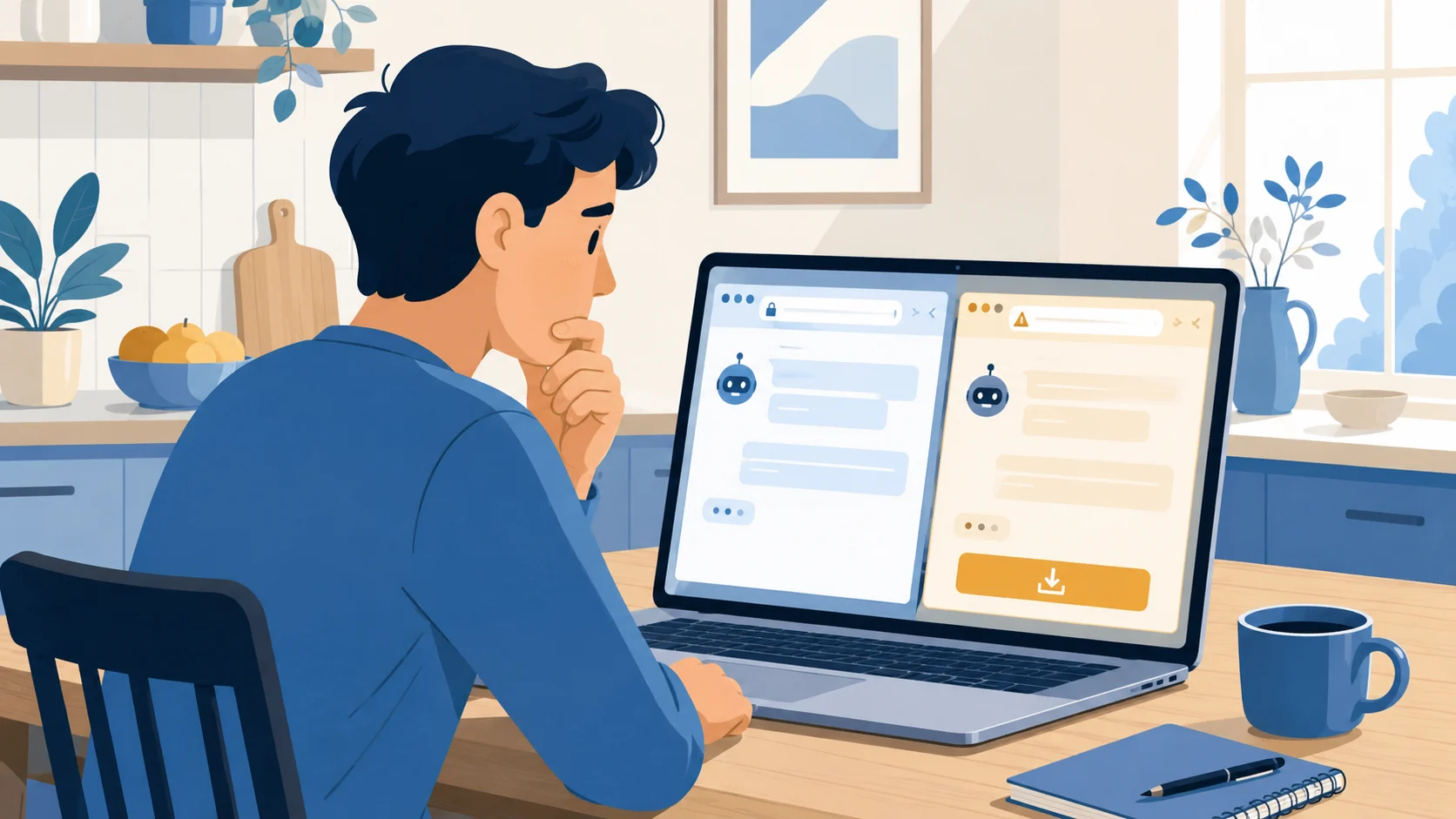
Security researchers found a fake Claude AI website that hands out Windows malware to anyone who clicks the download button. If you’ve been curious about AI tools and tried to grab one, this is the exact trap waiting for you. The fix is short, and it works for every AI service, not just Claude.
Who is Affected?
Anyone on a Windows PC who searches for “Claude,” “ChatGPT,” or “Gemini” and clicks the first result without checking the URL.
People new to AI who don’t yet know the real web address for these tools.
Office managers, teachers, and church or nonprofit admins who heard “we should try AI” and went looking for a download.
Parents whose kids asked them to install Claude or another AI helper at home.
How the Scam Works
Attackers built a website at claude-pro.com that looks like the real Claude site. Same colors, same general layout, one big “Download” button.
You search for Claude, or click a sponsored ad.
The fake site loads. It looks real enough at a glance.

You click download. A file called Claude-Pro-windows-x64.zip (about 500 MB) lands on your computer.
Inside is an installer for “Claude-Pro Relay,” described as a tool for “Claude-Code developers.” None of this is real.
Running the installer secretly plants a backdoor called Beagle on your PC. The attacker can now read your files, run commands, and copy data off your machine.
The real Claude does not have a Windows installer. It runs in your web browser at claude.ai. Same for ChatGPT (chatgpt.com) and Gemini (gemini.google.com). If something is asking you to download a Windows app to “use Claude,” that alone is the giveaway.
What to Look Out For
Wrong URL. The real Claude lives at claude.ai. Anything else (claude-pro.com, claude-ai.net, claudepro.app, etc.) is not it.
A required Windows download. Real AI chat tools run in your browser. No install needed.
Files named “Claude Pro Relay” or similar. Not a real product.
Sponsored search results. Scammers pay to appear above the real site. The little “Sponsored” or “Ad” tag means you should scroll past, not click.
A 500 MB-ish zip file. Real installers for legitimate browser-based services do not exist. If one shows up, delete it.
Files like NOVupdate.exe in your Startup folder. That’s a known sign of this specific malware.
How to Stay Safe
Right Now, On Your Phone or Computer
Type the URL directly. The real ones:
Claude: claude.ai
ChatGPT: chatgpt.com
Gemini: gemini.google.com
Copilot: copilot.microsoft.com
Bookmark them after the first visit. Use the bookmark from then on.
When you do search, scroll past anything labelled “Sponsored” or “Ad” until you see the real URL.
If You Think You Already Downloaded It
Disconnect the PC from the internet (turn off Wi-Fi).
From a different device (your phone or another computer), change the passwords for your email, bank, and any account you used on that PC. Turn on two-factor authentication everywhere you can.
Run a full antivirus scan. Windows Defender (built in) is fine if you don’t have anything else.
If the scan finds something, or if you’re not sure, take the PC to a local repair shop and tell them you suspect malware. This is cheaper than dealing with stolen accounts later.
Report it to the Canadian Anti-Fraud Centre, or the FBI’s IC3 if you’re in the US.
Going Forward
Treat any “AI tool” you’ve never heard of with the same suspicion as a free PDF converter from a strange site. The pattern is the same.
Tell one other person in your life about this. The kind of household or office where someone is just now trying AI for the first time is exactly where this scam works.
Take a free course on how to read a URL safely. Our How Not to Get Phished walks through it in about fifteen minutes.
Conclusion
The honest version of every major AI service is free to try in a web browser, no download required. If something is asking you to install a Windows app to “use Claude,” “use ChatGPT,” or “use Gemini better,” that’s your warning sign. Type the real URL, skip the sponsored ads, and you’ve defeated this entire class of scam.
For more on why search results are no longer a safe shortcut, see our earlier post on why scam links now come from places you trust. And if AI itself feels new to you, our AI Unlocked course is built for first-time users.
Want to go deeper? Our free course How Not to Get Phished walks through the 4-step check that defeats most of these attacks.
Keep reading

Fake Bank Calls That Also Steal Your Voice
A bank call that sounds completely real is now doing two jobs at once: trying to drain your account, and recording your voice so it can be cloned later.
How Ransomware Comes for Small Organizations
Ransomware isn't just a problem for big companies. Small dental offices, school boards, churches, and nonprofits are the easiest targets. Here's what it looks like and what to do.
No One From Google Will Call You About Your Account
A caller sent a real Google sign-in prompt to my phone and said he had all my passwords. He had none of them. He needed me to tap Yes.