The Privacy Cost of Kernel-Level Anti-Cheat
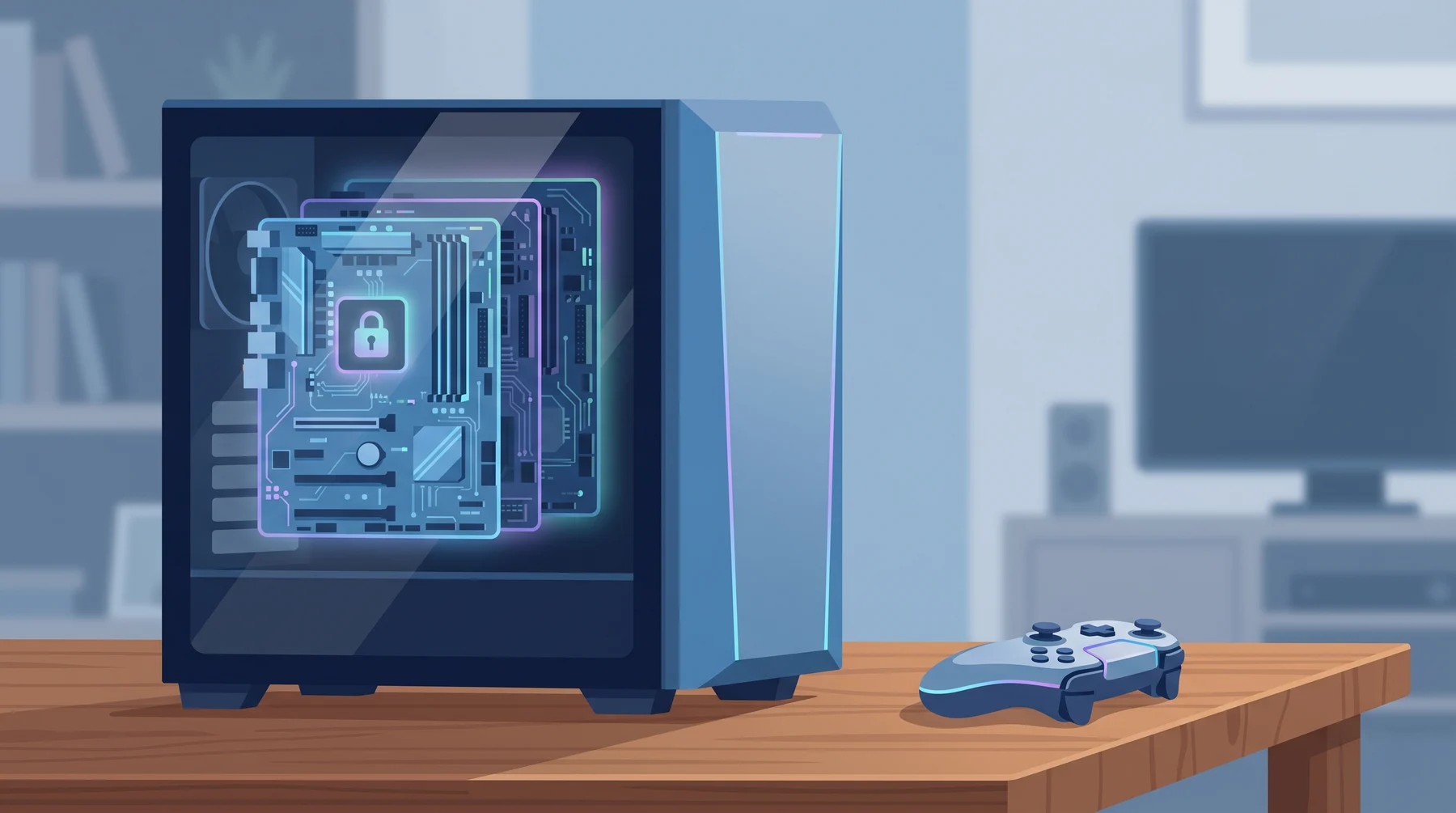
If you or someone in your house plays League of Legends, Valorant, Fortnite, Call of Duty, Destiny 2, or Apex Legends, you’ve installed software that runs at a deeper level than almost anything else on your machine. It’s called kernel-level anti-cheat, and it has the same technical access as a rootkit. Here’s what that actually means and what the trade-off is.
Who is Affected?
Players of games that ship kernel-level anti-cheat: Riot Vanguard (League, Valorant), EasyAntiCheat (Fortnite, Apex), BattlEye (PUBG, Rainbow Six), Ricochet (Call of Duty)
Parents and partners who share a PC with a competitive gamer
Small business owners whose employees install games on a work machine
Anyone running a gaming PC for work too
If the game is competitive and has a massive online playerbase, chances are it ships this kind of software.
How It Works
Your computer has layers of privilege. The everyday programs you open (a browser, a word processor, a chat app) run in user mode. They can only do what the operating system lets them do.
The kernel is the innermost layer of the operating system. Code running there (sometimes called “Ring 0”) has full access to every process, every file, every memory region, every network packet, and every piece of hardware. Device drivers live here. So do antivirus engines. And so does kernel-level anti-cheat.
Here’s what that access lets the anti-cheat do:
Watch every running program on your PC, not just the game
See what the game’s memory contains (to spot tampering)
Block unauthorized drivers from loading at boot
Monitor network traffic coming in and out
Read hardware identifiers
Most of this software also loads at boot, before you launch the game. Some of it keeps running after you quit. The game companies say they need this access to stop cheaters, and on that narrow point, they’re not wrong. Cheating tools now operate at the kernel too, so user-mode defence can’t catch them.
The trade-off: you’re trusting every software vendor whose anti-cheat you install the same way you trust Microsoft or Apple with your OS. A bug in a kernel-mode component can crash your PC, brick your boot, or open a hole that malware can exploit.
What to Look Out For
Noticeably slower boot times after installing the game
Anti-cheat processes that keep running after you’ve exited the game
Conflicts with VPN software, virtualization tools (VMWare, VirtualBox), or legitimate system utilities
Blue screens or hardware compatibility issues that started after install
Games requiring Secure Boot or TPM to be on. That’s a symptom that the anti-cheat leans heavily on hardware attestation.
How to Stay Safe
Know what you’re installing. Read the anti-cheat page on the game’s website before installing. Riot’s Vanguard page and Epic’s EasyAntiCheat page both describe what the software does.
Keep it updated. A buggy kernel driver is more dangerous than a clean one. Run Windows Update regularly, and let the game update its anti-cheat when prompted.
Don’t mix gaming and work. If you deal with sensitive data at work, don’t install competitive games on that machine. A dedicated PC or a separate user account is cleaner.
Learn what kernel mode is. Once you understand the privilege layers, every other security decision gets easier. Our free Cybersecurity Fundamentals course covers this alongside the other basics.
If something feels off, uninstall. Games come and go. If performance, stability, or privacy concerns outweigh the fun, don’t let sunk cost decide.
Check your email for related breaches. Gaming platforms have been breached many times. haveibeenpwned.com will tell you if yours showed up in the Epic, Riot, or Blizzard leaks.
Conclusion
Kernel-level anti-cheat isn’t malware. It’s a real solution to a real problem. But it’s also the closest thing to “let this vendor run anything” that most people will ever install on their own machine. The deal is: you get fairer matches, you take on some privacy loss, and you trust the vendor’s engineering quality the way you’d trust Microsoft’s.
The call is yours. Just make it a real call, not one hidden behind a click-through installer.
Want more grounding on what actually runs on your computer and why? Cybersecurity Fundamentals is the one-hour starter we made for exactly this. And Dave can answer follow-up questions about specific games or anti-cheat systems.
Keep reading

Apple's Own System Used to Send Phishing Emails
A phishing email that really came from Apple, passed every security check, and pushes you to call a scam line about a fake $899 charge.

How to Spot the Fake Jobs That Launder Money
A wave of fake job offers is aimed at students, young adults, and anyone needing extra income. The "work" is laundering stolen money. The legal trouble lands on you, not the scammer.

Why Scam Links Now Come From Places You Trust
Criminals are hosting their scam pages on Google Docs, Microsoft OneDrive, and Canva. Your eyes see a familiar brand. Your instinct says safe. It's not.