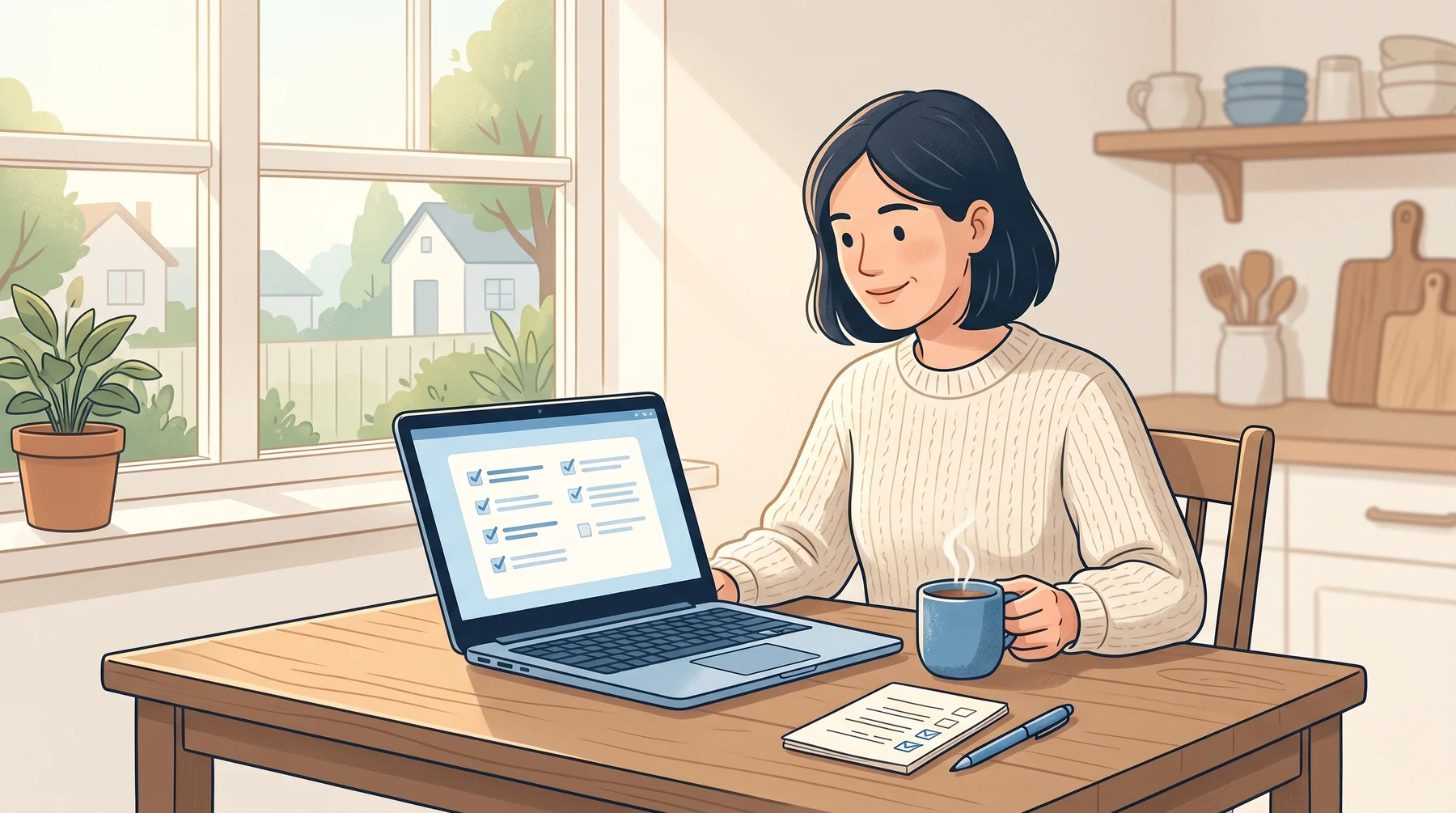
There’s a new “biggest data breach ever” in the news every few months. The Mother of All Breaches leaked 26 billion records in 2024. The GOAT Breach leaked 16 billion in 2025. More are coming. Your email is almost certainly in at least one of them. That’s normal, it’s not your fault, and there’s a short checklist that fixes most of the risk in about fifteen minutes.
Who is Affected?
Almost everyone. If you’ve ever signed up for anything with an email address, there is a very good chance your address and an old password are sitting in one of these leaks somewhere. This includes:
Anyone who’s had the same email for more than a few years
Anyone who’s used the same password on more than one website
Anyone who doesn’t know what a password manager is
Anyone who’s ever thought “I’ll just use my usual password for this”
If you recognize yourself in any of those, this post is for you.
How It Happens
When you hear “Company X was breached”, what usually happened is this:
Someone broke into Company X’s computers (or bought access from someone else who did).
They copied the database of usernames and passwords out.
They posted it online for other scammers to buy or use.
Months or years later, a new scammer buys that list and tries every email-and-password combo on every major website, hoping some people reused that password somewhere important.
This is called a credential stuffing attack, and it works because most people reuse passwords. One leak at a site you barely remember can get someone into your email, your bank, your Amazon, your work accounts. All because the password was the same.
What to Look Out For
You may never get a direct “your data was leaked” email. The warning signs are indirect:
A sudden increase in spam or phishing emails
Emails saying “someone tried to sign into your account” from Google, Apple, or Microsoft
Password reset emails you didn’t ask for
Unusual activity on a bank statement
Charges from apps or services you don’t recognize
Friends messaging you to say “I got a weird email from your address”
How to Stay Safe
The same short checklist handles every breach. You do it once, and you’re protected from most of the damage next time.
Step 1. Check which of your emails are in breaches.
Go to haveibeenpwned.com, type in each email address you use, and see which breaches it shows up in. This site is safe. It’s run by a well-known security researcher named Troy Hunt. Write down the list of affected sites.
Step 2. Change the password on any site that shows up.
Especially your email. Especially if you used that same password anywhere else. If you reuse the password, change it everywhere.
Step 3. Use a password manager from now on.
This is the one change that makes you permanently safer. A password manager makes and remembers a different strong password for every website, so even if one site gets breached, the damage stops there. If you have an iPhone or Mac, the Apple Passwords app is already installed. On Windows or Android, 1Password or Bitwarden work great. Our free course Simple Strategies to Be Secure Online walks through setup step by step.
Step 4. Turn on 2-step verification on your email and your bank.
Even if someone steals your password, they can’t get in without the extra code on your phone. This is the single most effective thing you can do. Five minutes of setup protects you for years.
Step 5. Stay calm when the next headline hits.
It will. “10 billion records exposed” headlines are basically background noise now. If you’ve done the four steps above, they won’t touch you. The people who get hurt are the ones who used the same password in fifteen places.
Conclusion
Breaches aren’t a thing you can prevent as a customer. You didn’t break into the company’s database. But reuse is entirely in your control, and unique passwords plus 2-step verification mean that any single breach is a shrug instead of a disaster. Fifteen minutes with haveibeenpwned.com and a password manager is the best investment in digital safety you can make.
For a deeper walkthrough with step-by-step screenshots, see our free course on Simple Strategies to Be Secure Online. For help figuring out which of your accounts matter most, ask Dave, our free cybersecurity helper.
Keep reading
Apple's Own System Used to Send Phishing Emails
A phishing email that really came from Apple, passed every security check, and pushes you to call a scam line about a fake $899 charge.
How to Spot the Fake Jobs That Launder Money
A wave of fake job offers is aimed at students, young adults, and anyone needing extra income. The "work" is laundering stolen money. The legal trouble lands on you, not the scammer.
Why Scam Links Now Come From Places You Trust
Criminals are hosting their scam pages on Google Docs, Microsoft OneDrive, and Canva. Your eyes see a familiar brand. Your instinct says safe. It's not.