Ransomware · Developing
Attackers lock Synology NAS files and demand money. Update DSM today
Attackers lock Synology NAS storage boxes with ransomware. Update DSM and turn on automatic updates. Keep one backup copy away from the box.
What happened
Attackers lock the files on Synology NAS boxes with ransomware and demand money.
DSM is the software that runs the box. Synology released fixes for it on September 18, 2026.
A NAS is a storage box that holds the shared files for a home or an office.
Ransomware is software that locks your files and demands payment to unlock them.
The attacks began in early October 2026. They run today.
The attackers break in through holes in the box's own software, with no stolen password needed.
The locked files get the ending .L0CK3D. Each folder gets a note named read-me3.txt. The note asks for payment.
Synology also says the attackers use a flaw fixed in December 2024.
Sources: Cerber勒索攻击群晖NAS事件预警 (C3RB3R ransomware warning for Synology NAS); Synology-SA-26:13 DSM (CVE-2026-13639 and CVE-2026-13684, September 18, 2026); Synology urges users to update DSM following ransomware attacks on outdated DSM versions
Who’s affected
If you run a Synology NAS with old software, you are at risk.
Offices use these boxes for shared files and backups. Some homes use them too.
The attackers reach the box over the network from anywhere on the internet.
No one published how many boxes the attackers hit. We do not know whether your box is one of them.
Sources: Cerber勒索攻击群晖NAS事件预警 (C3RB3R ransomware warning for Synology NAS); Synology NAS Devices Targeted in Ransomware Attacks Exploiting Patched DSM Flaw
What to do
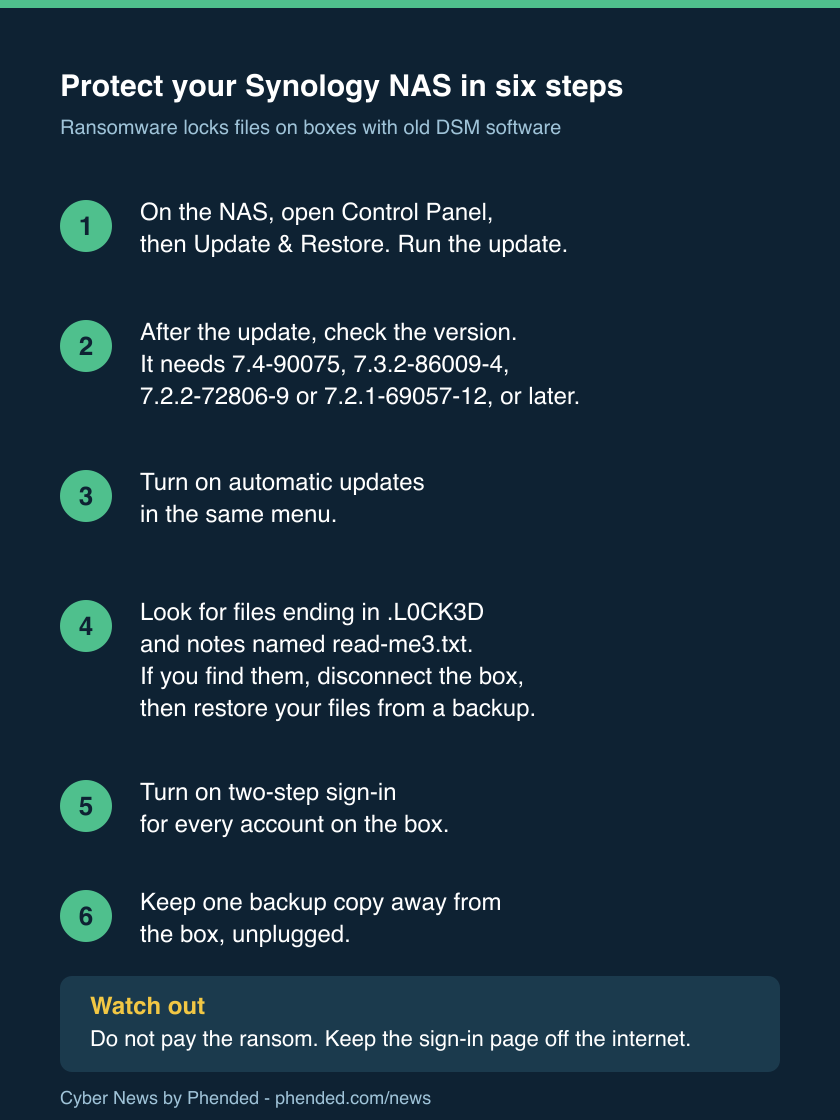
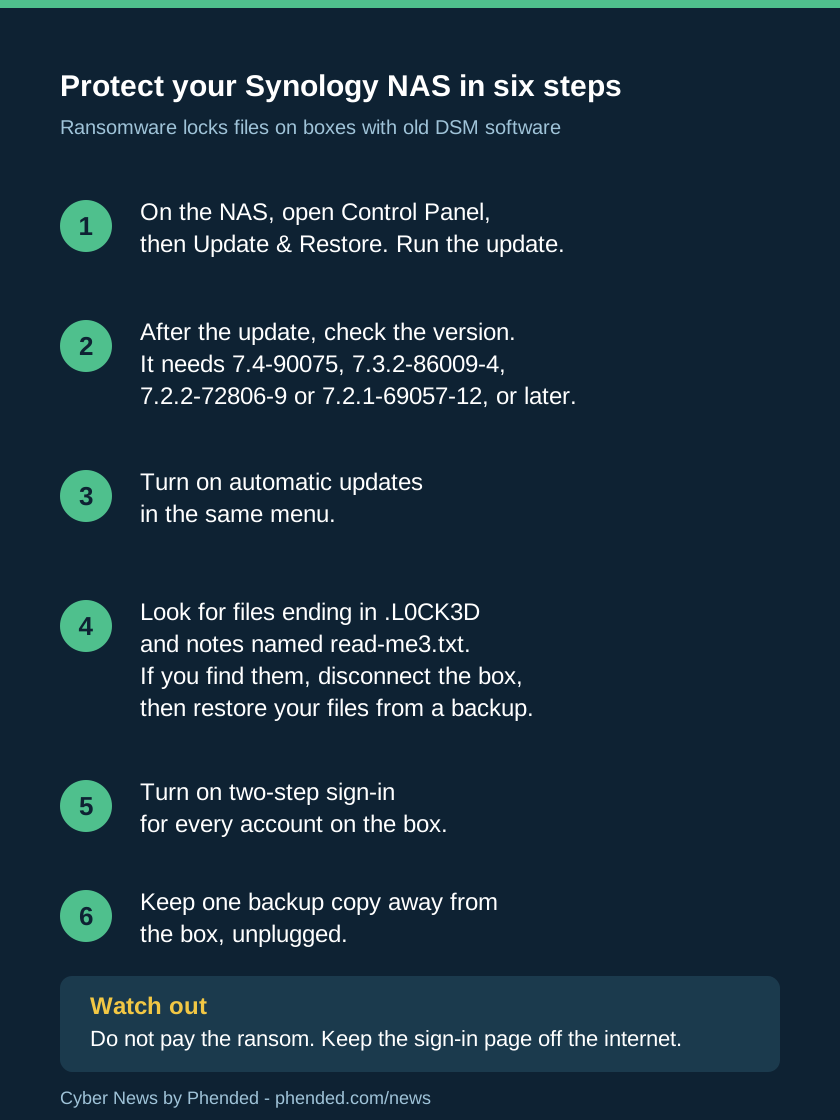
- Open DSM. Click Control Panel, then Update & Restore. Run the update now.
- After the update, check the version. It needs 7.4-90075, 7.3.2-86009-4, 7.2.2-72806-9, or 7.2.1-69057-12, or a later number.
- Turn on automatic updates in the same menu. Then the next fix installs on its own.
- Search the box for files ending in .L0CK3D and for notes named read-me3.txt.
- If you find them, disconnect the box from the network. Then restore your files from a backup.
- Do not pay the ransom. Payment does not promise your files back.
- Turn on two-step sign-in for each account on the box. Two-step asks for a code from your phone as well as the password.
- Give each account a strong password.
- If the box still has its original admin account, turn it off.
- Keep the sign-in page off the open internet. Use Synology QuickConnect (Synology's outside-access service) or a VPN (a private tunnel) instead.
- A snapshot is a saved copy of your files from one moment. It lets you roll files back.
- Turn on shared folder snapshots with the option that stops anyone from changing them. Check regularly that the snapshots exist.
- Keep one backup copy away from the box, unplugged. Ransomware cannot lock what it cannot reach.
- Turn on the box's firewall. It blocks unwanted traffic from the network.
- Check the box's log, its list of sign-ins, for names you do not recognize.
Sources: Synology-SA-26:13 DSM (CVE-2026-13639 and CVE-2026-13684, September 18, 2026); Synology urges users to update DSM following ransomware attacks on outdated DSM versions; Cerber勒索攻击群晖NAS事件预警 (C3RB3R ransomware warning for Synology NAS)
What we do not know yet
The two notices disagree about the way in.
360 names the two flaws fixed in September. Synology points to a flaw fixed in December 2024.
Both notices can be true at once. The attackers can use more than one door to break in.
No public count of attacked boxes exists. The attackers' names are unknown.
No notice says the attacks stopped. The risk is current.
Sources: Cerber勒索攻击群晖NAS事件预警 (C3RB3R ransomware warning for Synology NAS); Synology urges users to update DSM following ransomware attacks on outdated DSM versions
Guides for your next step
Sources
- Synology urges users to update DSM following ransomware attacks on outdated DSM versions
Synology
- Synology-SA-26:13 DSM (CVE-2026-13639 and CVE-2026-13684, September 18, 2026)
Synology
- Synology-SA-24:20 DSM (PWN2OWN 2024, the flaw Synology links the attacks to)
Synology
- Cerber勒索攻击群晖NAS事件预警 (C3RB3R ransomware warning for Synology NAS)
360 (Qihoo 360 Internet Security Center)
- Synology NAS Devices Targeted in Ransomware Attacks Exploiting Patched DSM Flaw
The Hacker News
- Synology DSM C3RB3R ransomware incident summary
pwn.watch