Other cyber events · Developing
iPhone spyware arrives through web pages. An update stops it
Researchers found a network of hijacked website tags and ads that can install spyware on an iPhone with old software. Updating iOS protects the phone.
What happened
Two security research teams, iVerify and Report URI, published their findings on October 21 and 22.
They found criminals running more than 660 website addresses that once belonged to analytics and advertising companies. Those companies closed, and their addresses expired.
Many websites still load small pieces of code from those old addresses. The criminals bought the addresses, so that code now comes from them.
The researchers estimate that websites carrying this code get about 135 million visits a month. Most visitors land on scam pages.
For iPhone visitors, the code can be worse. It can deliver spyware named Coruna or DarkSword.
That spyware can read saved passwords. It can also read information from crypto wallet apps.
On a phone with old software, opening the page is enough. Nothing needs to be clicked or installed.
A malicious Instagram ad was part of the same operation. A researcher's phone was infected while scrolling the feed.
Sources: DeadTag: How Forgotten Website Tags Became a Delivery Network for iPhone Spyware; Dead Domains, Live Exploits: How Infected Ads and Expired Analytics Tags Deliver Coruna and DarkSword to iPhones
Who’s affected
This report concerns people who use an iPhone. Only phones with old software are at risk.
The spyware targets two groups of old versions. Coruna works on iOS 13 through 17.2.1. DarkSword works on iOS 18.4 through 18.7.
Apple says iPhones with the latest updated software are already protected. Safari's Safe Browsing feature also blocks the known bad website addresses.
Owners of websites carry a different risk. Their sites can pass visitors to the criminals through code they forgot about years ago.
Sources: DeadTag: How Forgotten Website Tags Became a Delivery Network for iPhone Spyware; Update iOS to protect your iPhone from web attacks
What to do
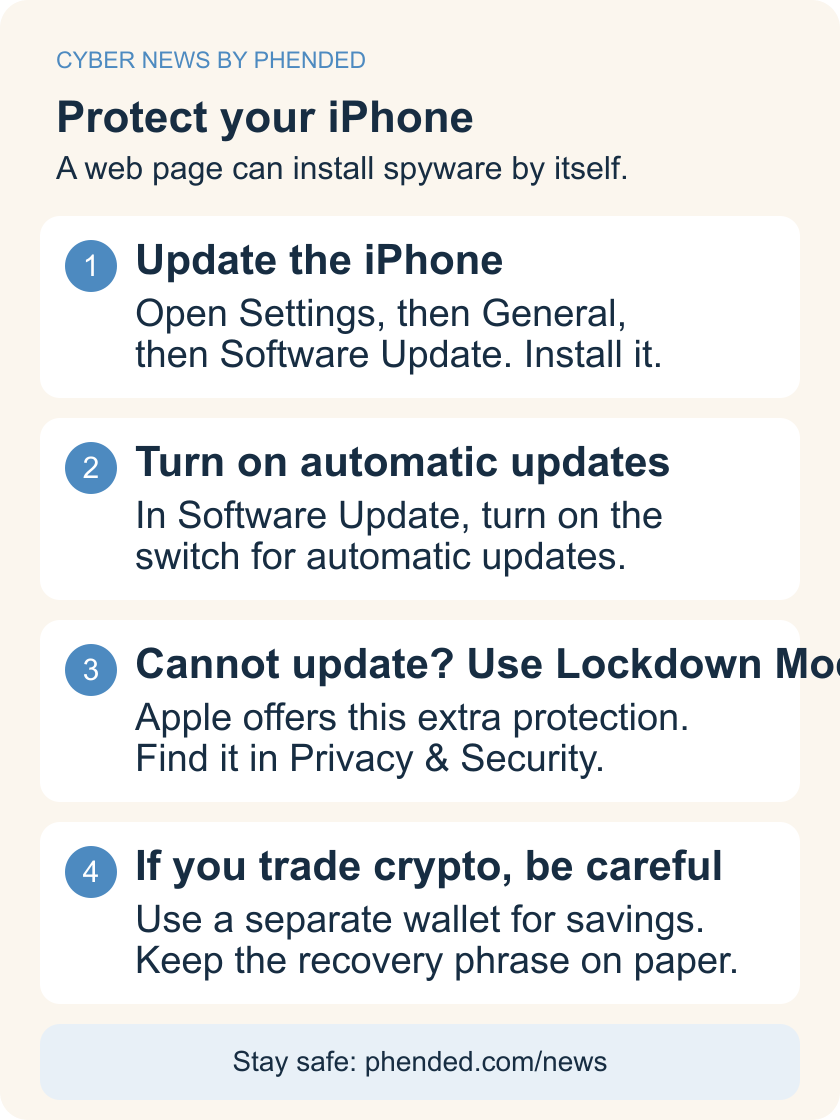
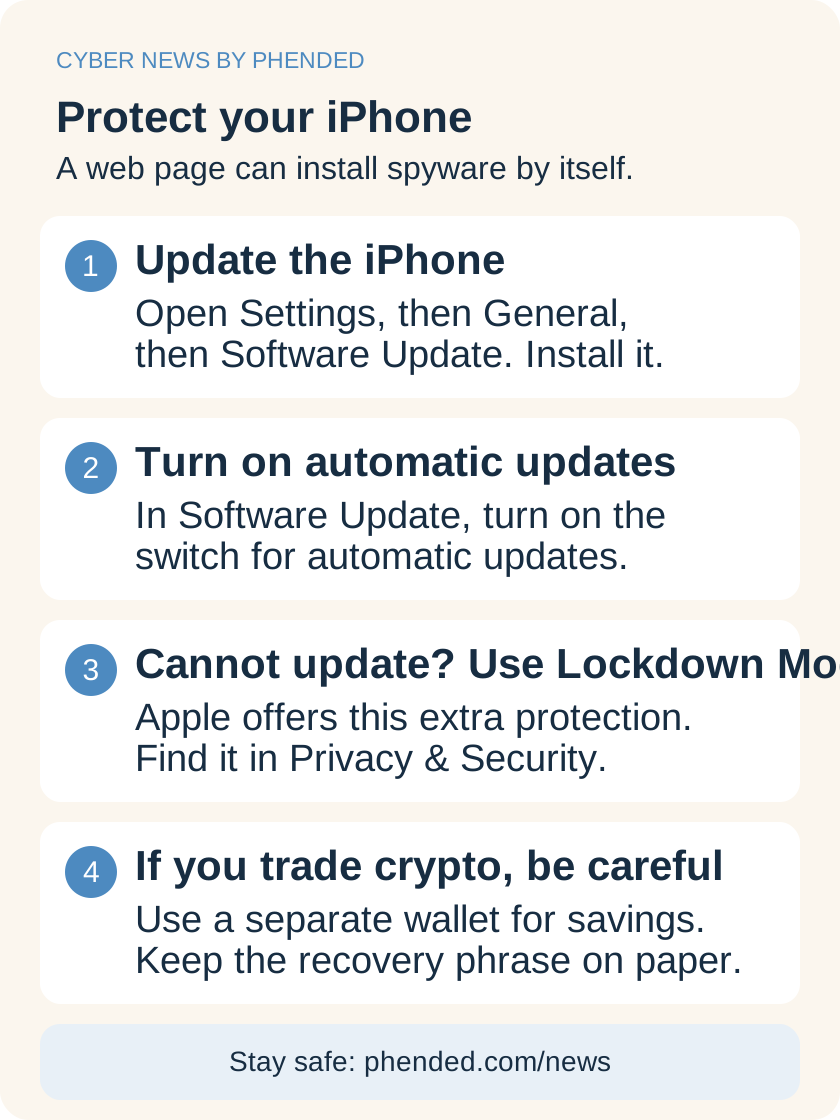
- Open Settings, then General, then Software Update. Install any update the phone offers.
- If no update appears, turn on automatic updates in the same place. The phone then installs future fixes by itself.
- If the phone cannot install an update, turn on Lockdown Mode. Find it under Settings, then Privacy & Security.
- Apple built Lockdown Mode to block attacks like this one. It also changes how the phone works.
- If you believe your phone was infected, restart it. Then change the passwords saved on the phone.
- Also move crypto funds to a new wallet, with a new recovery phrase.
- Keep updating the phone when new versions appear. Apple says updated devices were not at risk from these attacks.
- If you hold significant amounts of crypto, consider Lockdown Mode on any phone. Decide whether its changes suit you.
- If you run a website, remove tags for analytics or ad services you no longer use.
Sources: Update iOS to protect your iPhone from web attacks; Dead Domains, Live Exploits: How Infected Ads and Expired Analytics Tags Deliver Coruna and DarkSword to iPhones; DeadTag: How Forgotten Website Tags Became a Delivery Network for iPhone Spyware
What we do not know yet
The researchers do not know who runs the tag network. The spyware crew appears to be Chinese-speaking, based on notes left in its code.
The researchers do not know the full number of affected websites. They expect their count to grow.
A phone can be infected without visible signs. The researchers cannot say whether any particular reader was hit.
Attempts to adapt this spyware for the newest iOS versions exist, but the researchers describe them as mostly not working yet.
Sources: DeadTag: How Forgotten Website Tags Became a Delivery Network for iPhone Spyware; Dead Domains, Live Exploits: How Infected Ads and Expired Analytics Tags Deliver Coruna and DarkSword to iPhones